Vornic360 on Firestick: Choosing the Best IPTV for Firestick
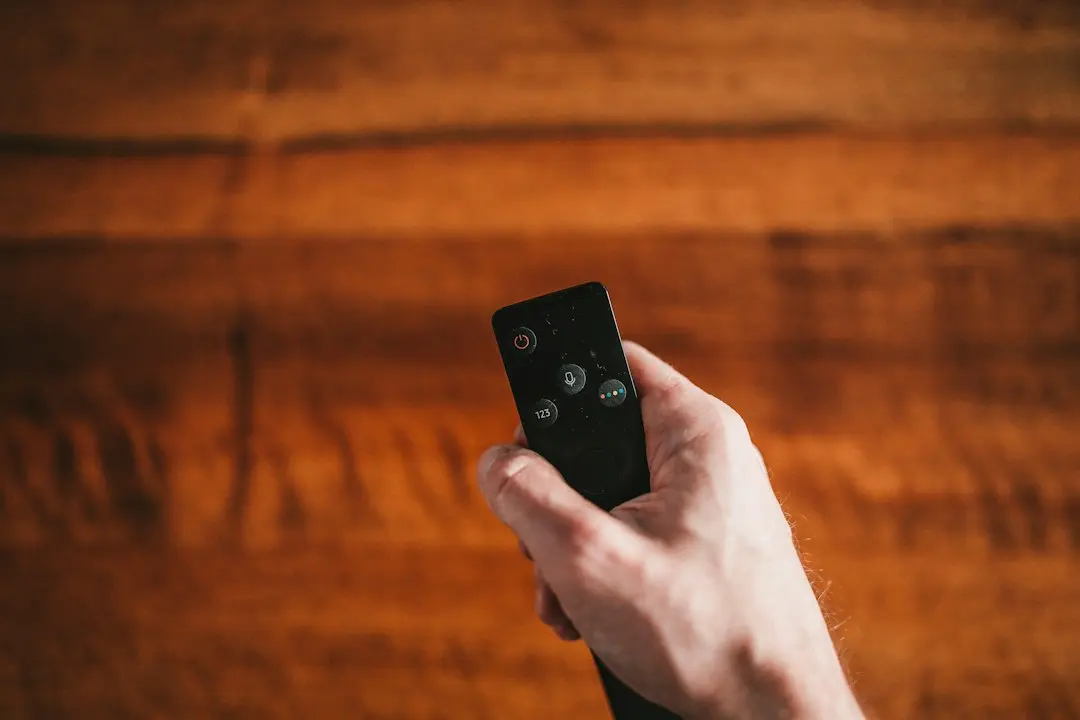
The Amazon Fire TV Stick is one of the cheapest ways to turn any TV with an HDMI port into a streaming screen, which is why so many people look for the best IPTV for Firestick. This guide covers both halves of that search: what to check before you choose an IPTV service for your stick, and exactly how to set up Vornic360 on it, from enabling app installs to signing in.
What makes the best IPTV for Firestick?
A Fire TV Stick doesn't change what a good IPTV service looks like; it adds a few practical points. Before you choose, check that the provider:
- Supports the Fire TV Stick by name and explains how to install a player on it.
- Works with the players people actually use on Fire TV, such as IPTV Smarters and TiviMate.
- Offers a free trial, so you can test on the stick itself. A Fire TV Stick has less processing power and memory than a TV box, and only a test shows how a service runs on it.
- Publishes clear prices and connections. If the stick is one of several screens in your home, you need enough connections for everyone watching at once.
- Has support that answers setup questions, because sideloading a player is the step where most people get stuck.
On those points, Vornic360 lists the Fire TV and Fire TV Stick among its supported devices, sends setup instructions with every order, offers a 24-hour free trial with no credit card, sells plans for 1 to 5 connections and answers on WhatsApp, 24/7. For the full comparison checklist, see our guide to choosing the best IPTV service.
IPTV for Firestick: which player app?
IPTV on a Fire TV Stick runs through a player app. The player is made by a third party and contains no channels; your provider's login fills it. Two players are common on Fire TV:
| Player | Strengths | How you sign in |
|---|---|---|
| IPTV Smarters | Simple, runs on almost every device | Login with Xtream Codes API |
| TiviMate | A TV-style guide layout, popular on Android-based devices | Add Playlist → Xtream Codes |
Both work with Vornic360. If you're new to IPTV, start with IPTV Smarters; our IPTV Smarters Pro guide covers it in depth.
How to set up Vornic360 on a Fire TV Stick
Neither player is in the Amazon Appstore, so you install it with the free Downloader app. You only do this once; after that it's just signing in.
Step 1: Install Downloader
From the Fire TV home screen, go to Search, type Downloader, select the app and install it.
Step 2: Allow installs from Downloader
Go back to the home screen and open Settings → My Fire TV → Developer Options. Select Install unknown apps, find Downloader and turn it on. This lets Downloader install apps that aren't in the Appstore. Only allow it for apps you trust, and you can switch it off again after installing.
Step 3: Install IPTV Smarters or TiviMate
Open Downloader, tap Allow and OK if asked, then enter the download address from the setup instructions we send you. Wait for the download, then select Install and Done.
Step 4: Sign in with your Vornic360 details
- IPTV Smarters: open the app, choose Login with Xtream Codes API and enter the server address, your username and your password.
- TiviMate: tap Add Playlist, choose Xtream Codes and enter the same details.
The channel list, movies and series load after a few seconds. The 7-day TV guide (EPG) and catch-up TV on supported channels load with an Xtream Codes login.
Getting a smooth picture on a Fire TV Stick
Vornic360 streams in HD, Full HD and 4K, with 8K where available. A Fire TV Stick shows what your model and TV support, and your connection does the rest. A few habits make the biggest difference:
- Use 5 GHz Wi-Fi, not 2.4 GHz, and keep the router close. Where you can, an Ethernet adapter for the stick is steadier still.
- Check your speed for 4K. We don't publish a speed figure of our own. For comparison, Netflix recommends "15 Mbps or higher" for Ultra high definition (UHD) 4K on its own service (Netflix Help Center). Several screens at once need more.
- Restart the stick now and then. Fire TV Sticks have limited memory; a restart clears it.
- Close apps you aren't using from Settings → Applications.
If the picture still stutters, our post on Vornic360 and IPTV buffering goes through the causes one by one.
Best IPTV on Firestick for a household: count your connections
One connection is one screen streaming at a time. If the Fire TV Stick in the living room and a phone in the bedroom are both playing, that's two connections. Vornic360 plans come with 1 to 5 connections:
| Connections | 3 months | 6 months | 12 months |
|---|---|---|---|
| 1 | $32 | $42 | $63 |
| 2 | $48 | $75 | $90 |
| 3 | $82 | $96 | $120 |
Plans for 4 and 5 connections, and the savings per length, are on our IPTV subscription page. Every plan is paid once, with no contract and no automatic renewal, and if you need another connection mid-plan you pay only a prorated share.
Common Fire TV Stick problems and fixes
- "Install unknown apps" isn't there. On some Fire TV models, you first have to unlock Developer Options: go to Settings → My Fire TV → About and select your device name several times until a message confirms it.
- Downloader can't find the file. Check the download address letter by letter; one wrong character is enough.
- "Invalid login" in the player. Delete each field and type it again: copied details often carry hidden spaces, and usernames and passwords are case-sensitive.
- The stick runs out of storage. Uninstall apps you don't use, then try again.
Still stuck? Message us on WhatsApp with a photo of the screen and the team will walk you through it. Our IPTV setup guide also covers every other device.
Test Vornic360 on your Firestick first
The surest way to find the best IPTV for Firestick in your home is to test it on your stick, on your connection, at the time you usually watch. The Vornic360 free trial lasts 24 hours, needs no credit card and includes the full channel list and on-demand library. If you subscribe and it doesn't work for you, you get a full refund, no questions asked, when you ask within 7 days of purchase.
Conclusion: Vornic360, a practical IPTV for Firestick
The best IPTV for Firestick is one you can install in a few steps, sign in to with Xtream Codes, and test before you pay. With Vornic360 that means Downloader, IPTV Smarters or TiviMate, your login details and a 24-hour free trial, with plans from $32 for 3 months for 1 to 5 connections. Ask for your free trial or see every plan.
FAQ
What is the best IPTV for Firestick?
The one that runs well on your stick and your connection, publishes clear prices and offers a free trial so you can check. Vornic360 supports Fire TV and Fire TV Stick, works with IPTV Smarters and TiviMate and offers a 24-hour free trial.
How do you get IPTV on a Fire TV Stick?
Install the Downloader app, allow it to install unknown apps in Developer Options, use it to install a player such as IPTV Smarters or TiviMate, then sign in with the Xtream Codes details from your provider.
Is IPTV Smarters or TiviMate better on Firestick?
Both work with Vornic360. IPTV Smarters is simpler and runs on almost every device; TiviMate has a TV-style guide layout. Try both during your free trial and keep the one you prefer.
Why does IPTV buffer on my Firestick?
Usually Wi-Fi: a 2.4 GHz network, a weak signal or too many devices online at once. Switch to 5 GHz or Ethernet, restart the stick and close unused apps.
Can I use one subscription on a Firestick and a phone?
Yes, if your plan has enough connections. One connection is one screen streaming at a time, so watching on both at once needs 2 connections.
Want to try Vornic360?
Ask for a 24-hour free trial on WhatsApp, or start with the 3-month plan at $32, with a 7-day money-back guarantee.
More Vornic360 articles

Vornic360 on IPTV Smarters Pro: Login and Setup Guide
How to use Vornic360 with IPTV Smarters Pro: Xtream Codes or M3U login, setup on Fire TV, Android, iPhone and PC, and fixes for common login mistakes.
October 30, 2026
Vornic360 and the Best IPTV Service: A USA Checklist
How to choose the best IPTV service in the USA: a checklist of prices, trial, refund, connections and support, and how Vornic360 measures up on each.
October 30, 2026
Vornic360 Cheap IPTV: Real Prices and What You Get
Vornic360 cheap IPTV, priced in full: $32 to $165 for 1 to 5 connections, the cost per month, what every plan includes and the red flags of too-cheap offers.
October 30, 2026